We are constantly developing Datacruit ATS to best meet the real needs of recruiters, HR teams and managers. In this new regular section, we bring you an overview of the latest product changes. Take a look at what's new in Datacruit in January.
What are you interested in?
Information about automatic user deactivation
What's new?
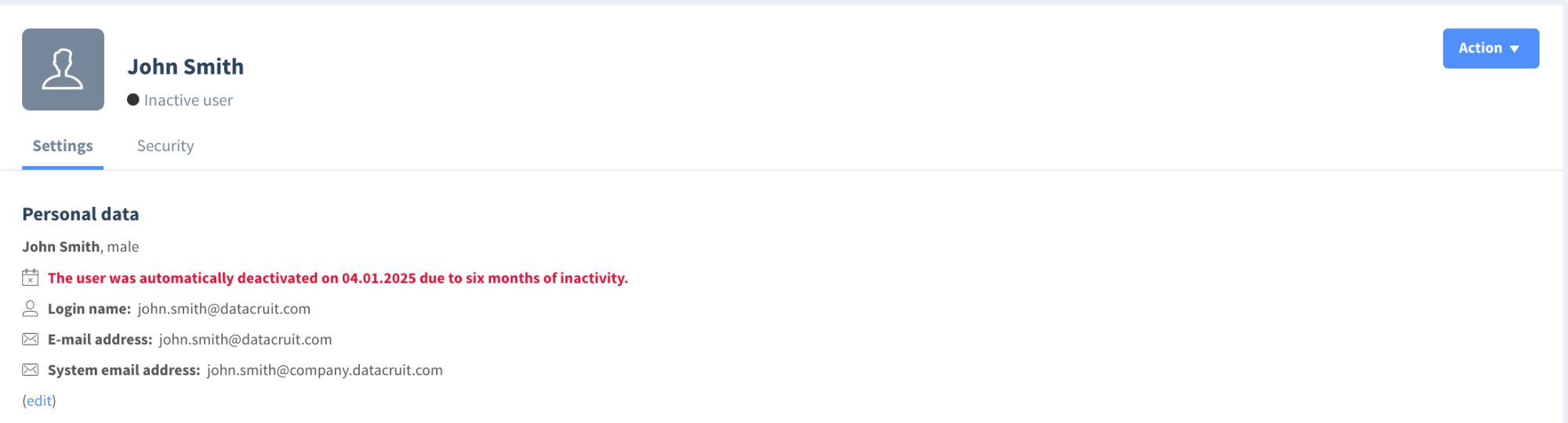
The user administration now clearly shows information about accounts that have been automatically deactivated due to inactivity .
How does it work?
If a user has been inactive in Datacruit ATS for more than 6 months , their account is automatically deactivated (for security reasons). For newly deactivated accounts, this information is displayed directly on the user's card in the administration.
Please note: This change only applies to newly deactivated accounts, not historical ones.
In practice, it often happened that:
- the user could not log in,
- the administrator or support did not see at first glance that the account was deactivated,
- unnecessary questions and delays arose.
Thanks to this change, administrators now have an immediate overview of the account status and can easily determine why a user cannot log in.
Candidate requirements directly on the selection process card
What's new?
The selection process now features a separate block with the candidate's requirements , which are automatically taken from their profile.
What information will you see here?
For example:
- salary expectations,
- preferred location,
- other key candidate requirements.
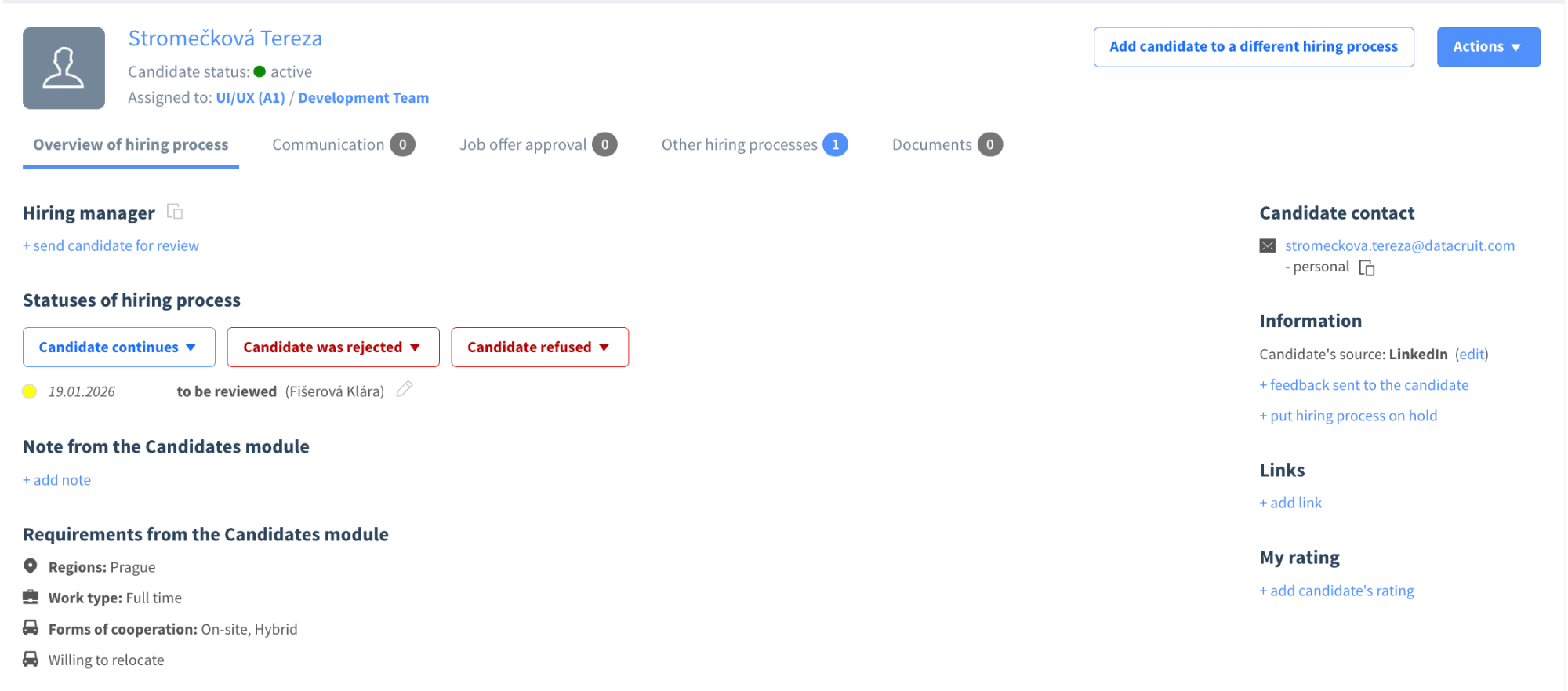
Previously, it was necessary to switch between the candidate module and the selection process. Now you have everything you need in one place , right where you actually work with the candidate.
Smarter report generation (background exports)
What's new?
We have modified the way reports and exports are generated in Datacruit. They are now processed in the form of a background queue .
How does it work in practice?
- If the report is small → it will download as before.
- If the report is large:
- its generation starts in the background,
- the user can close the page,
- and a button to download the report will appear when it is finished.
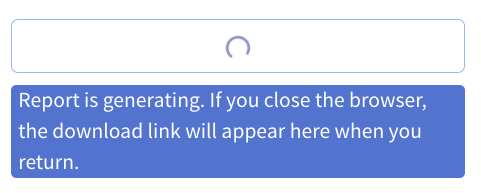
Previously, larger reports could result in longer waiting times or the need to keep the page open. The new processing method is more stable and significantly improves the user experience when working with analytics.
If you remain on the page, the behaviour does not change – the report will download automatically when finished.